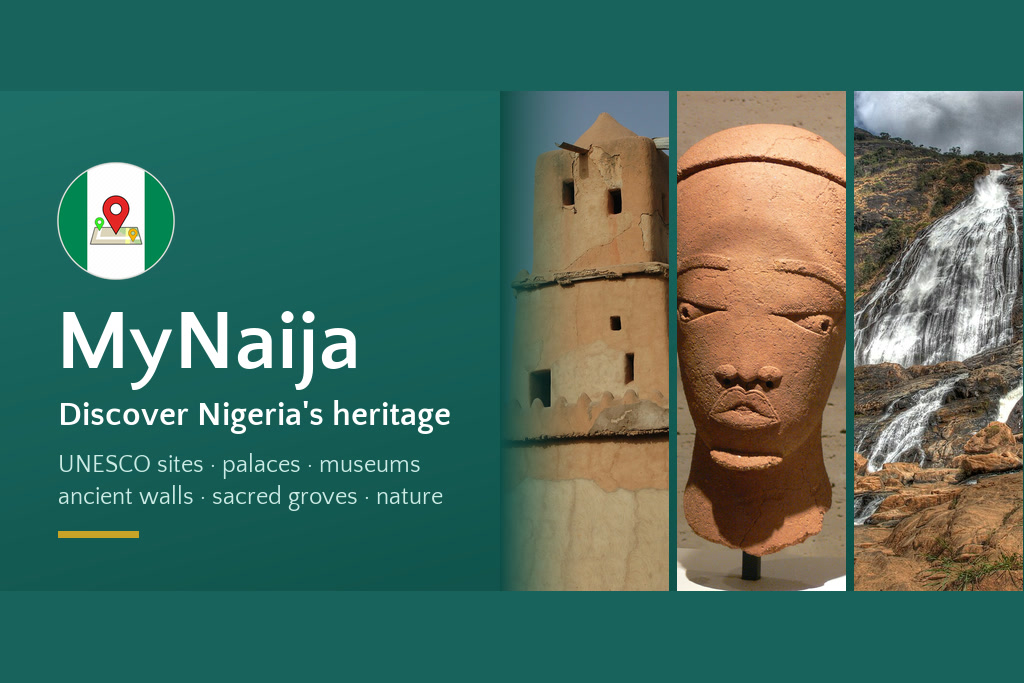
MyNaija started in 2020 as a small Android app about Nigeria’s heritage sites. This year I brought it back as a completely new app for Android and iOS: a guide to 80 places that tell Nigeria’s story, from the Osun-Osogbo Sacred Grove and the Sukur Cultural Landscape to the walls of ancient Kano, the royal palaces of Benin and the slave-trade museums of Badagry and Calabar.
It’s free on Google Play and the App Store, and there’s more at mynaija.xidengames.com.
Why it needed a rebuild, not a patch
When I opened the old project in October 2026, almost nothing worked. The Firebase database behind it had been deactivated, so every list, page and photo came back empty. The app also required sign-in through Firebase, so it could not get past its first screen. The build used Android tooling from 2020 that no current setup can run, several libraries only existed on the retired jcenter repository, and Google Play’s current rules (a recent target API, edge-to-edge layouts and 16 KB-aligned native libraries) ruled out the VR and ad SDKs it relied on.
Every screen depended on Firebase, ads or sign-in, so every screen needed its logic rewritten anyway. That made the decision easy: keep the name, the app ID, the icon and the teal brand colour, and rebuild everything else.
What the new app does
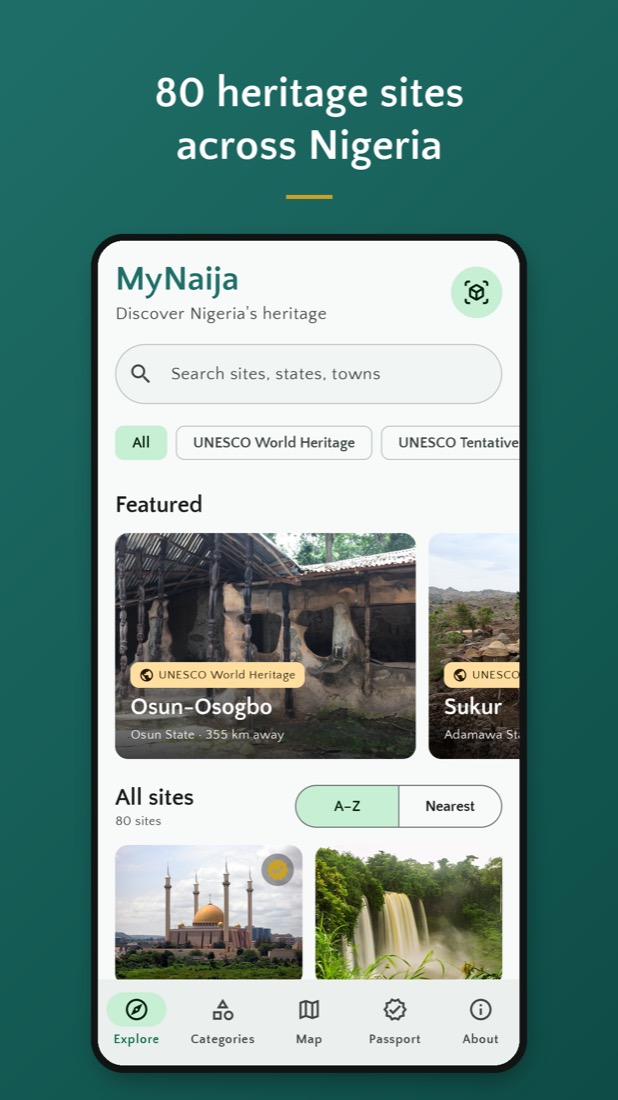
- Explore. Browse all 80 sites or filter by category: UNESCO World Heritage, the UNESCO Tentative List, ancient cities and walls, palaces, sacred sites, archaeology and rock art, museums, slave trade and colonial history, landmarks and natural heritage. Search by name, state or town, or sort by distance.
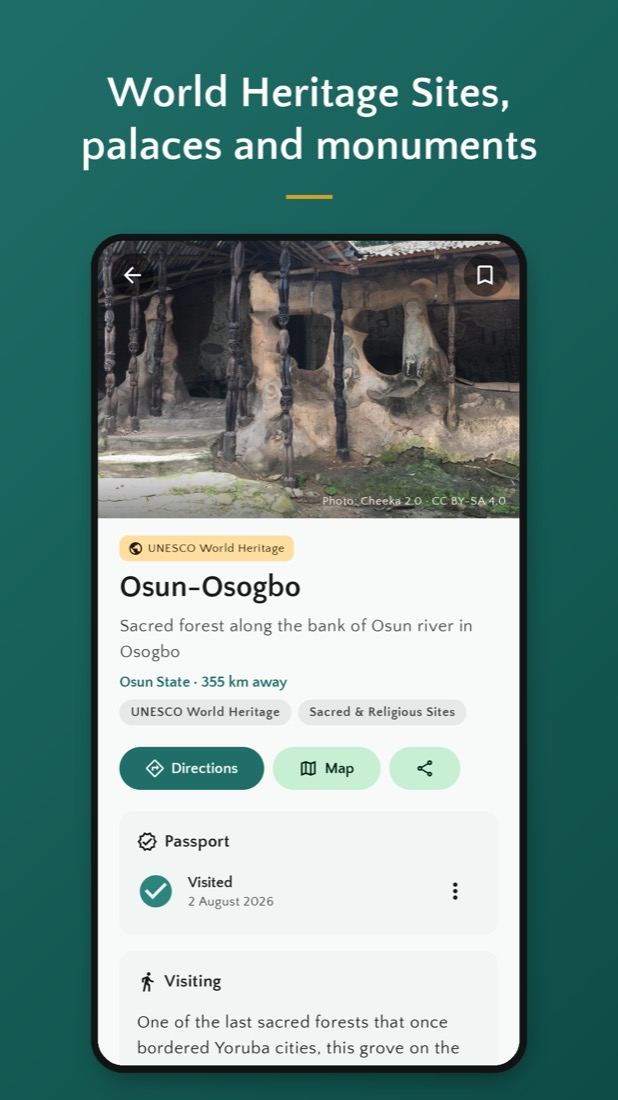
- Every site in depth. The history of each place, facts at a glance, a photo gallery with every photo credited, sources, directions and nearby sites, plus visiting notes on festivals, practical tips, the closest airport and the best time of year to go.
- Map and AR view. Every site on a map of Nigeria, and an AR view that shows heritage sites in the direction they lie from where you stand, with their distance.
- Heritage Passport. Check in at a site to collect a stamp dated to the day you were there, and track your progress across all 80.
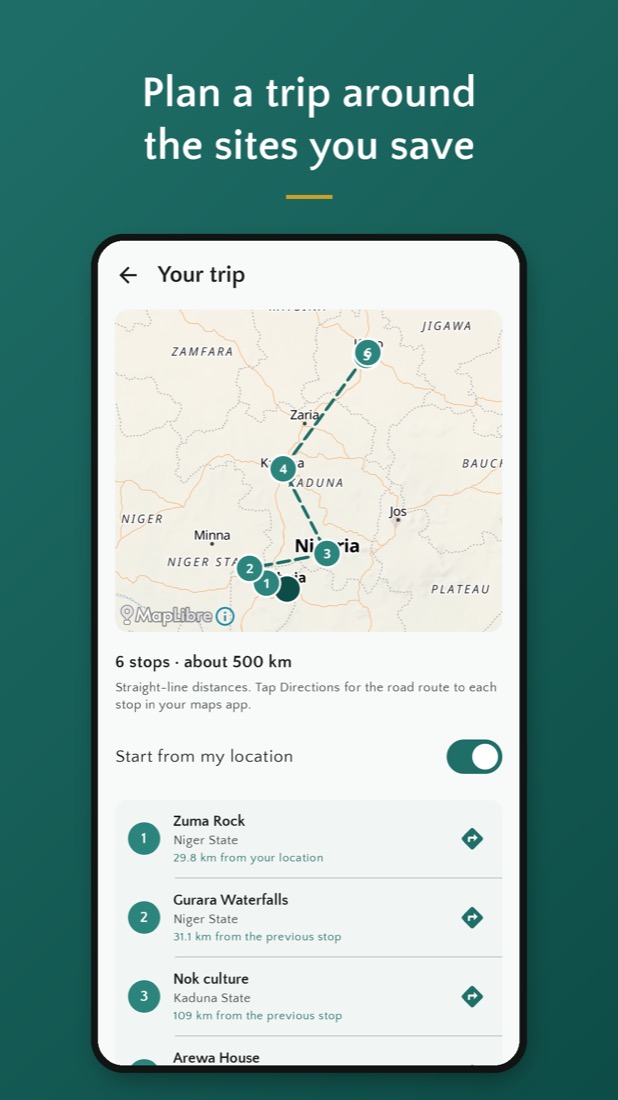
- Trip planner. Save the sites you want to see and MyNaija orders them into a route from where you are.
- Listen. Have any site’s story read aloud, with the paragraph being read highlighted.
- Heritage site of the day. A home screen widget with a different site every day.
There is no account, no ads and no tracking. Your location, your passport and your saved sites stay on your phone, and anything you have opened stays available offline.
How it’s built
Two native apps share one small backend.
- Android: Kotlin and Jetpack Compose with Material 3. Compose handles edge-to-edge layouts properly and leaves a codebase that is easy to keep current.
- iOS: SwiftUI, with the same features talking to the same API.
- Backend: a Cloudflare Worker written in TypeScript, a D1 database for categories, sites, images and sources, and an R2 bucket for mirrored photos served with long cache headers. The public API is read-only. Content is loaded by a pipeline script, so there are no public write endpoints and no secrets in the apps.
- Offline first: the app downloads one bundle with every category and site summary, revalidates it with an ETag, caches it on disk and works from the cache when there is no signal. Sites and photos you have opened are cached too.
- Maps: MapLibre with OpenFreeMap vector tiles. No API key, no billing, open data.
- AR: rebuilt with CameraX and the phone’s rotation-vector sensor. Labels are placed by true bearing, corrected for magnetic declination, and stacked and scaled by distance, with a radar and range filters.
Content you can trust
A heritage guide is only as good as its sources, so everything in MyNaija comes from open data and is credited. Site descriptions are excerpts from Wikipedia, linked to the exact revision used. Coordinates and facts come from Wikidata and OpenStreetMap, designations from UNESCO, and photographs from Wikimedia Commons under open licences, each credited to its author. A content pipeline pulls all of this into the database with its attribution attached, and every page in the app lists its sources.
Try it
MyNaija is free on Google Play and the App Store. If you’re travelling in Nigeria, or just curious about its history, give it a try, and tell me which site you think is missing.


Leave a Reply